Articles · 2026-10-08
How to format dates, ticks and unanswered fields in your report
When we set up a client's report document, we are usually asked to leave a cell empty when nothing was recorded, to print a tick for Yes, and to print a test window as 13th to 17th August 2026. Stratum Track printed N/A, Yes and 13-08-2026, so each of those needed a formula in the Word document, and one date range took a formula over 3,000 characters long. Stratum Track now lets you choose how each answer prints, field by field, and the placeholder in your document stays as it is. We left every default as it was, so your reports print exactly as they do today until you change a setting.
Each setting takes under a minute, and you set it once on the form.
What you need
- A manager login. Only a manager can edit a form.
- A computer. The template editor is built for a desktop screen.
- A form whose report document already prints the field you want to change.
Step 1: Open the form and select the field
Go to Templates, click Actions on your form, then Review. The form opens on the Preview tab. Click the field, and its settings open in the panel beside the form, under Field settings. Scroll down to In the report. Stratum Track shows only the settings for that field's type. The Structure tab has the same section on each field's card.
Step 2: Choose what an unanswered field prints
Under No answer, pick N/A, Blank or Custom words.
- N/A is the default on almost every field, so leaving it changes nothing.
- Blank prints nothing.
- Custom words opens a Words box for up to 60 characters, such as "Not recorded".
The Prints as line under the setting shows the result as you type.
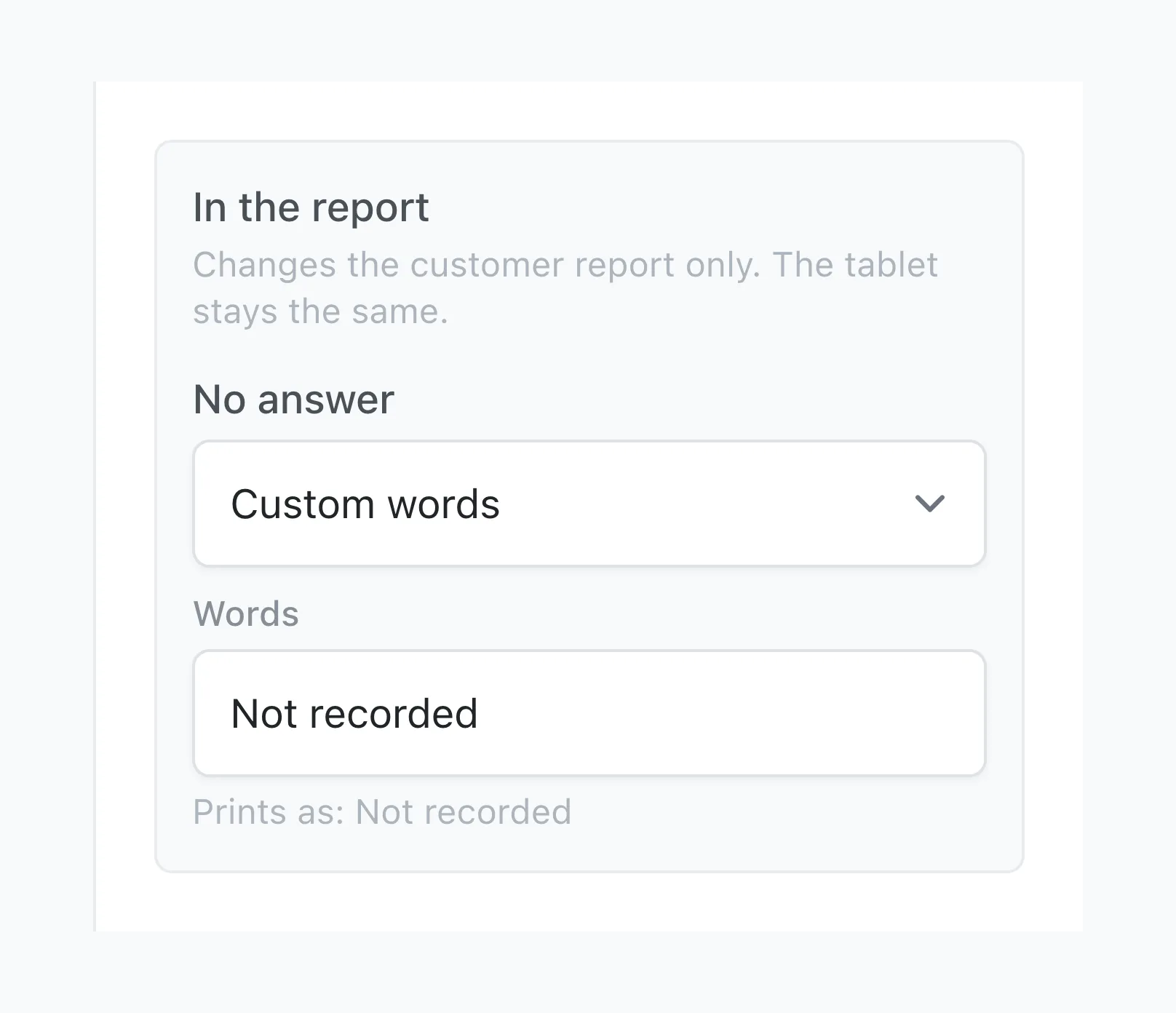
The setting applies wherever the field appears, on its own, in a table or in a repeating group, and also when a Visibility rule has hidden it. A photo, a signature, a Calculated field and a Badge have no No answer setting.
Step 3: Pick a date format
A Date field has a Date format setting with these choices:
- 13-08-2026, the default, which prints what Stratum Track printed before
- 13 August 2026
- 13th August 2026
- August 13, 2026
- 13/8/2026
Step 4: Print two dates as one range
For a test window or a shutdown, put a start date and a finish date on the form. On the start date, set End date to the finish date.
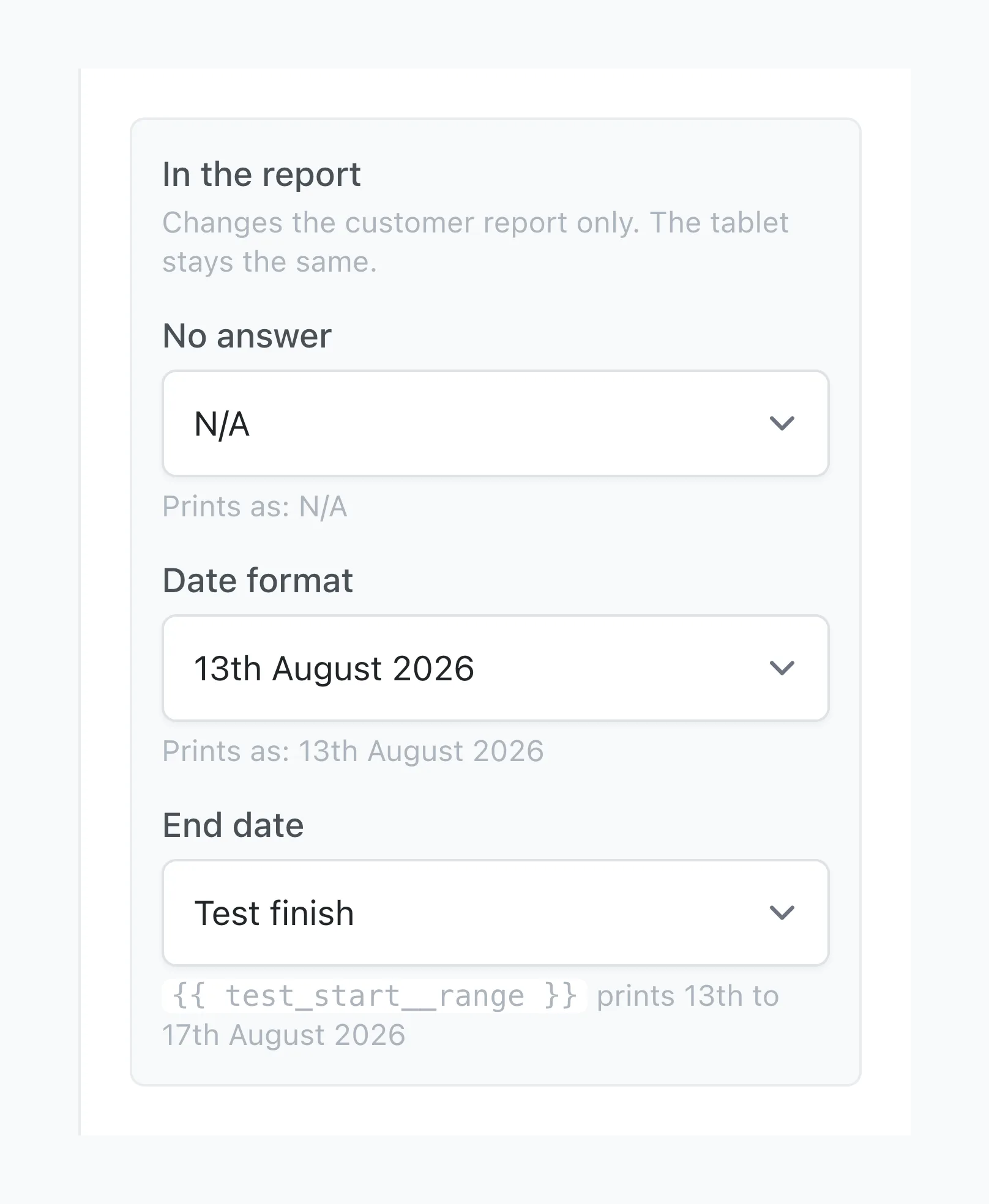
The line under End date then gives you the report name for the range, such as {{ test_start__range }}, and shows what it prints. Put that name in your report document where the range belongs. The start date's own report name still prints the start date alone. The Field Reference page lists the range under the date, as Date range.
The range follows the start date's Date format:
| Date format | The range prints |
|---|---|
| 13-08-2026 | 13-08-2026 to 17-08-2026 |
| 13 August 2026 | 13 to 17 August 2026 |
| 13th August 2026 | 13th to 17th August 2026 |
| August 13, 2026 | August 13 to 17, 2026 |
| 13/8/2026 | 13/8/2026 to 17/8/2026 |
Across two months it prints 28th August to 3rd September 2026. A test that starts and finishes on the same day prints the date once, and an empty finish date prints the start date alone. A date in a repeating group, or in a table the technician adds rows to, has no End date setting.
Step 5: Set the Yes/No style
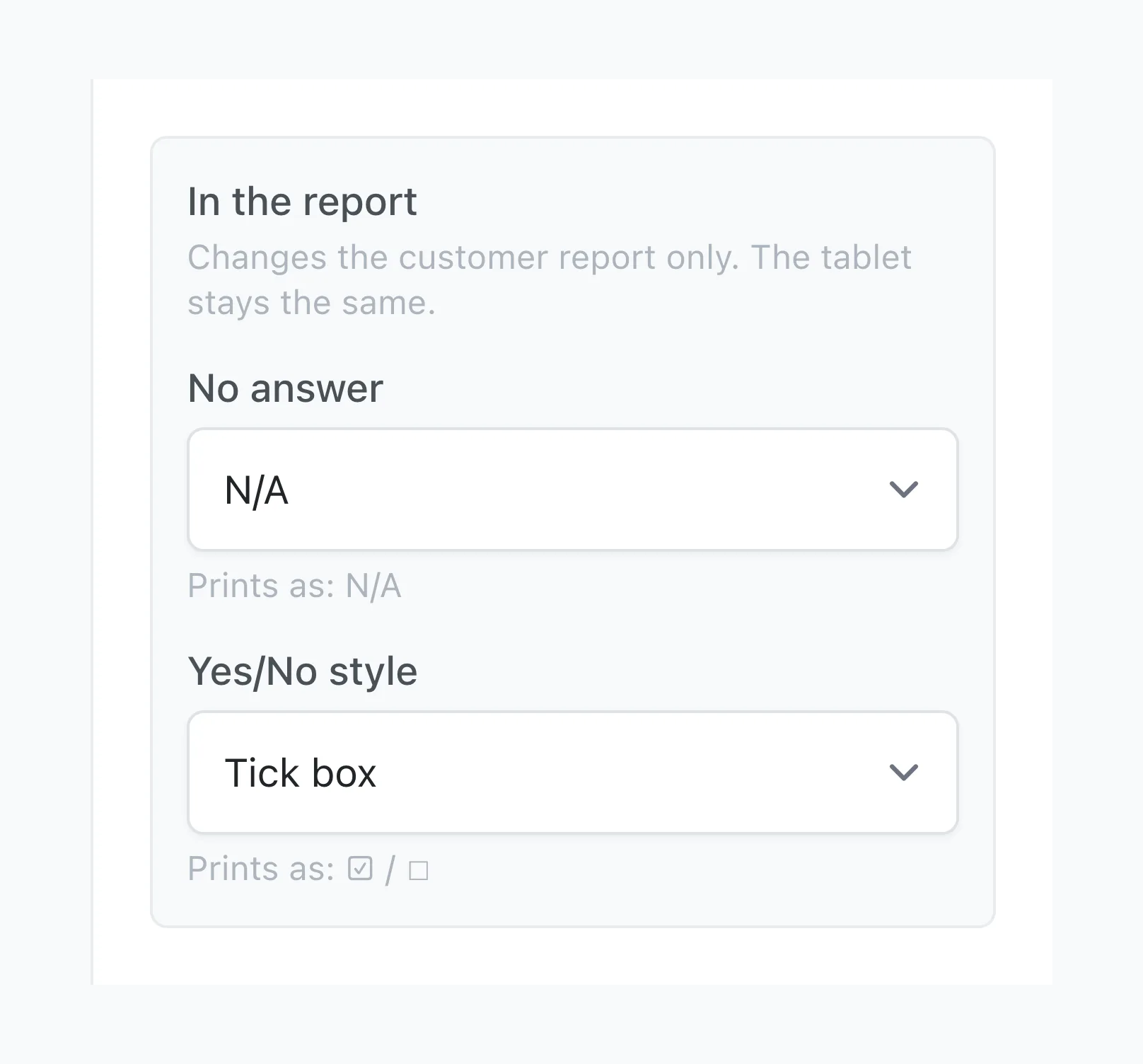
A Yes/No field has a Yes/No style setting:
- Yes / No, the default, prints the answer as a word, as it did before.
- Tick prints ✓ for Yes and nothing for No.
- Tick box prints ☑ for Yes and ☐ for No, using Word's own check-box symbols.
- Custom words opens a Yes box and a No box, for words such as "Fitted" and "Not fitted".
Step 6: Save and generate a report
Click Save changes at the foot of the panel, or Save Changes on the field's card on the Structure tab. Then generate a report for a job on that form to see the result. If the form has a draft open, Stratum Track adds the change to that draft and applies it to your jobs when you click Activate Template.
Worth knowing
- Your technicians see no change. The tablet and Job Details show the answer as it was recorded.
- Tests in your report document keep working. If your document prints a line only when a field is Yes, or only when it is not N/A, that test still reads the recorded answer after you choose a tick or your own words.
- A Dropdown with Yes and No options has no Yes/No style. It prints the words. The setting belongs to the Yes/No field type.
- A table can print one overall result. A Badge field whose rule reads Any row of or Every row of a column of a table the technician adds rows to can print DNC when any weld does not comply and Comply when every weld does. How to calculate a number and flag it as pass or fail shows how to set up the badge.
Common questions
What does my report print if I change nothing?
Exactly what it printed before this release. Stratum Track stores nothing for a field until you choose a setting. An unanswered field prints N/A, or nothing where it already printed nothing. A date prints as 13-08-2026, a Yes/No answer prints Yes or No, and no date range prints. Before the release we generated existing reports with and without the change, and with nothing set the files were identical.
Do I need to change my Word report document?
Not for No answer, Date format or Yes/No style. The field's existing report name prints the setting you chose, so the placeholder in your Word document stays as it is. A date range is the one exception, because it has a report name of its own: the start date's name ending in __range, such as {{ test_start__range }}. The End date setting shows it as soon as you pick the finish date, and the Field Reference page lists it. If we set up your report document, we can add it for you.
Does changing a setting alter reports I have already sent?
No. Stratum Track reads these settings each time it generates a report, so a report you have already sent keeps what it printed. The next report you generate for any job on that form prints the new setting, including a job your team finished last month. If your reports carry a report number and a revision, the next report issued after the change is a new revision.
Does this work for an Excel workbook report?
No. These settings change Word report documents. An Excel workbook report fills each cell with the answer as it was recorded, and keeps each date as a real date, so the workbook's own formulas can add and compare them. In a workbook you set how a date looks with the cell's number format, and a formula beside the answer can turn Yes into a tick.